
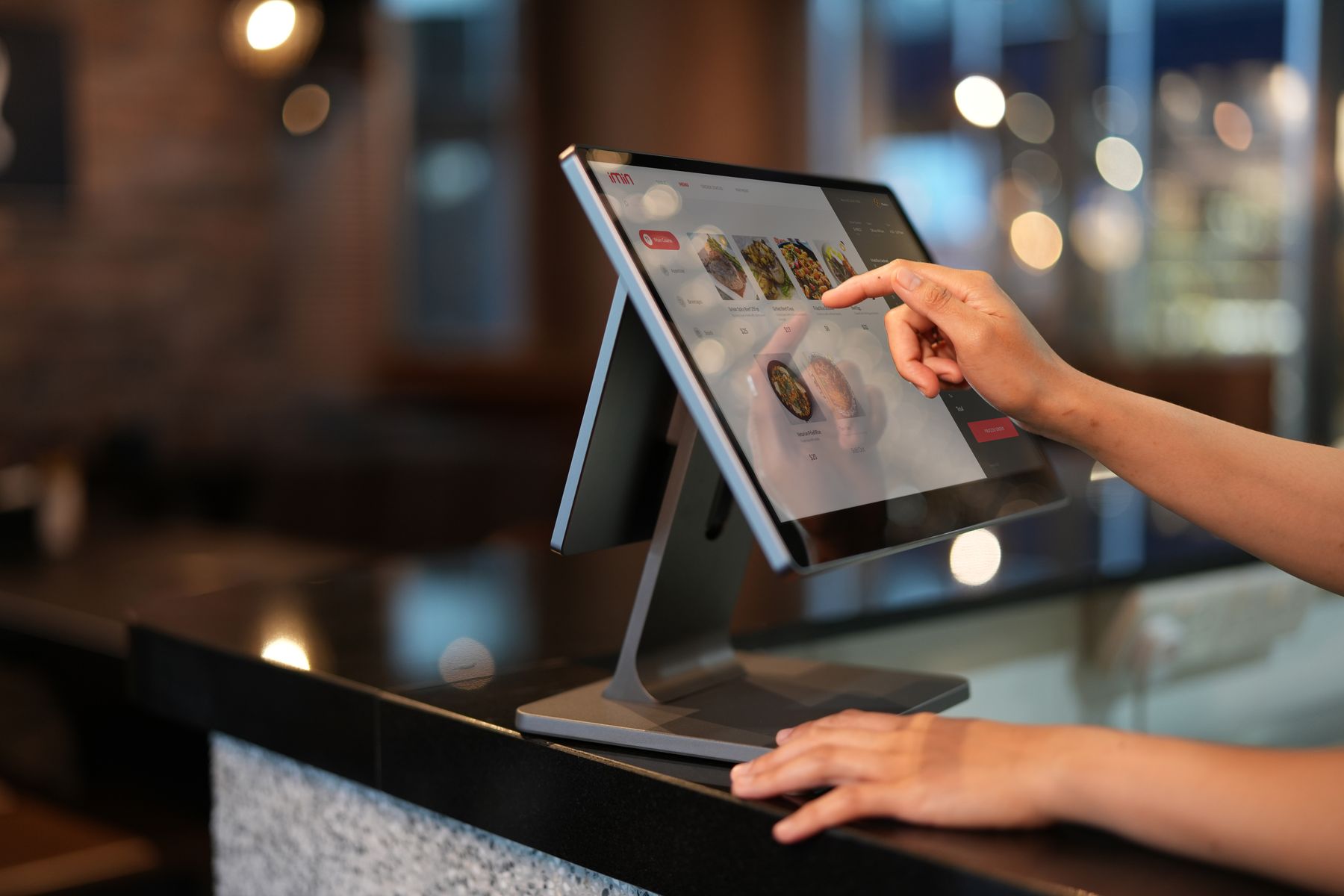
What POS software does for a business
POS software records sales at the point of customer interaction while also updating the information needed by inventory, cash control, customer service and reporting. The value comes from keeping these activities connected instead of using the POS as a standalone cash register.
Key features to compare
- Fast billing with barcode, pricing, discounts and tax rules.
- Inventory visibility with purchases, transfers, returns and adjustments.
- Cash, card and digital payment handling with clear references.
- User permissions and shift or cashier accountability.
- Daily, item, category, branch and margin reporting.
Local support and rollout
The software decision should include implementation and support, not only a feature list. Businesses should confirm how data is migrated, how staff are trained, how devices are configured and how support is handled when a branch cannot complete a transaction.
A sensible buying process
- List the transactions and reports your team uses every day.
- Run a demo using your own products, users and branch scenarios.
- Confirm integration needs such as accounting, FBR, e-commerce or payments.
- Agree on training, support and go-live responsibilities before deployment.