
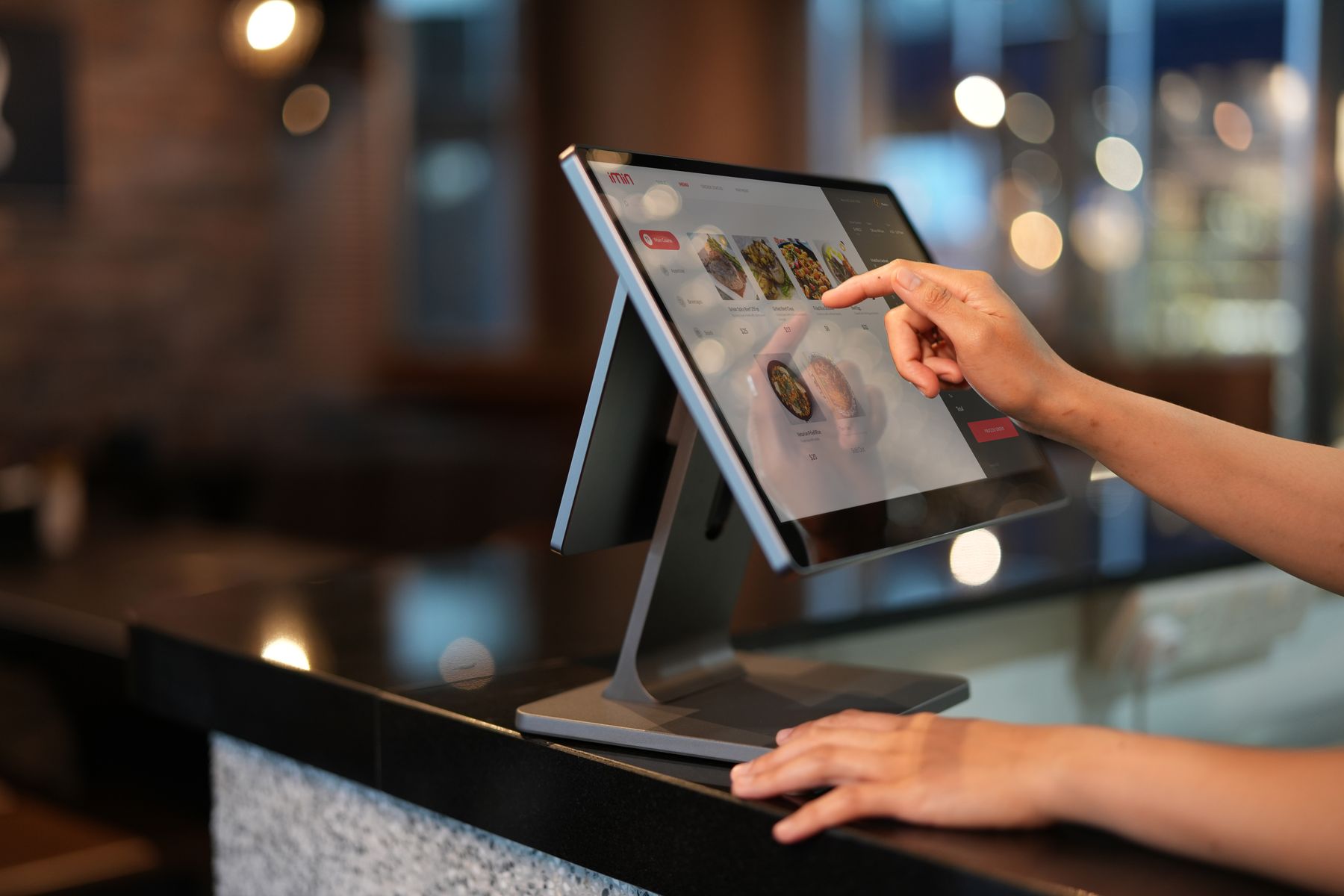
Why POS integration matters
A modern POS should do more than record a sale. It should pass reliable information to inventory, accounting, customer records, tax workflows and management reporting so teams are not re-entering the same transaction in several systems.
For retailers and restaurants, good integration reduces delays at the counter while giving management a clearer view of stock movement, revenue, returns, discounts and branch performance.
What a connected POS should exchange
- Item, price, tax and discount rules shared from controlled master data.
- Real-time or scheduled stock updates between stores, warehouses and online channels.
- Payment references and settlement information for easier reconciliation.
- Customer and loyalty activity without duplicate profiles.
- Sales, returns and adjustments that flow into finance and management reporting.
Compliance, controls and auditability
Integration should preserve transaction references, user actions and exception logs. When an invoice, payment or tax submission fails, staff need a clear status and a controlled retry or correction process instead of hidden gaps.
A practical implementation checklist
- Map the transaction from checkout to inventory, accounting and settlement.
- Define system ownership for products, customers, prices and tax rules.
- Test returns, voids, discounts, offline cases and integration failures—not only successful sales.
- Train branch users on what to do when an integration status requires attention.
Where FQMS fits
FQMS can connect POS workflows with inventory, finance, branch control, FBR-related invoicing, customer records and reporting. The exact scope should be based on the systems already in use and the business controls that need to remain visible after go-live.