

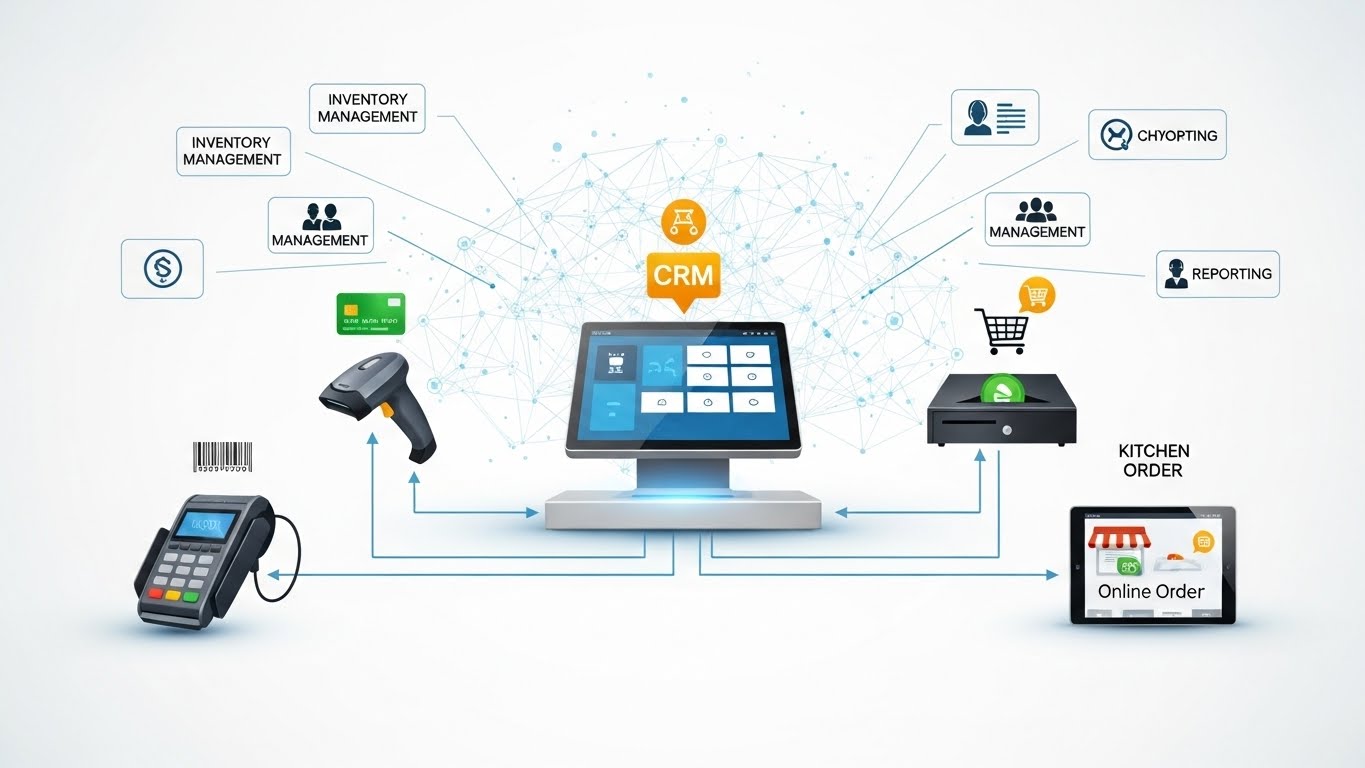
In today’s highly competitive market, running a business is more difficult than ever. The government demands transparency and customers expect efficiency. Competitors are always innovating. In such an environment, POS Integration is essential for Pakistani restaurants and retailers who wish to remain compliant, avoid fines, and scale with confidence.
This guide will help you to understand:
- What FBR Integration is
- Why you MUST integrate your business
- What happens behind the scenes
- How to connect: Step-by-step instructions
- Real-world benefits
- How to select the best POS provider
- Integrating now can unlock growth for the long term
Each section is written using simple, humane language and is enriched with SEO-relevant keywords and contextual links that will help you make an informed decision.
What is FBR POS integration?
FBR POS Integration is a process that connects your Point of Sale System (POS) with the Federal Board of Revenue’s digital infrastructure.
This connection allows you to report your daily sales in real-time to FBR. It ensures transparency and compliance to Pakistan’s tax regulations.
This integration allows your POS to automatically generate:
- Verified FBR invoices
- Secure QR codes
- Unique invoice numbers
- Real time sales reports
This seamless connection allows you to avoid penalties and maintain your business operations smoothly and reliably.
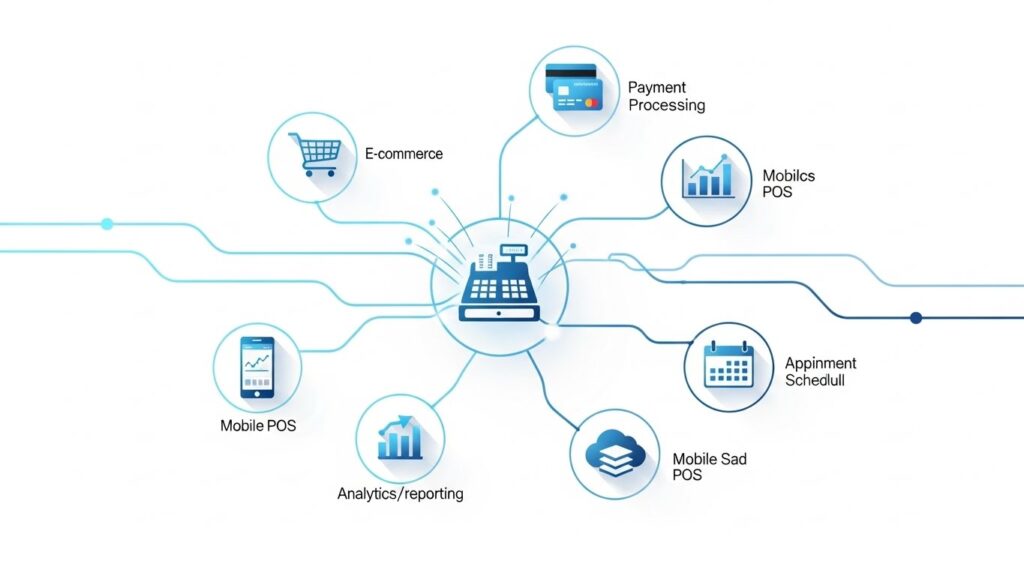
Why FBR introduced POS integration
In the past, many Pakistani retail businesses relied on unstructured accounting and manual billing. It led to issues like missing sales data, inconsistent reporting of tax, and mistrust from customers.
FBR has launched the POS Integrating Program to address these gaps.
Tax Transparency
The sales data is automatically recorded and submitted, so there’s no need to manually enter anything.
Customer Trust
The App allows you to verify invoices with QR codes instantly.
Protection From Penalties
Integrated retailers are protected from heavy fines and surprise audits. They also have fewer compliance issues.
Accurate real-time sales insights
A better data set leads to more intelligent decisions and increased profitability.
A real story: How a retailer turned compliance into growth
Ali, a retailer from Lahore, once told me that he avoided POS Integration as he believed it would require deep technical knowledge. He put it off for months out of fear.
He finally contacted a reputable POS company after hearing about the fines that were being issued for businesses not integrated. In 48 hour his store was integrated.
His business was transformed by the POS system, which he had never expected.
Ali increased his profit by optimizing his stock levels with real-time inventory reports and automated sales tracking.
“FBR scared, but system saved me.”
His experience is similar to that of many retailers.
How FBR’s POS Integration Works
The process is actually quite simple, despite the fact that the term may sound technical.
The POS system you use communicates with FBR via a secure (Application Programming Interface).. What happens behind the scenes?
- Your POS is the one that generates sales.
- The FBR Central Sales System receives the encrypted data.
- FBR issues a unique invoice number a verification code and a QR code.
- Your customer will receive a invoice that is tax verified.
- Your FBR profile will automatically display the sale.
Everything happens instantly, seamlessly and without extra steps.
Who must use FBR POS integration?
Businesses that are classified as Level 1 Retailers must integrate. This includes:
- Malls with major retailers
- Supermarkets, chain stores and other retailers
- Wholesalers who act as retailers
- Restaurants with high sales volumes
- Pharmacy and medical stores
- Retailers with extensive POS network
Early integration can help you avoid future legal and operational issues, even if your company is not classified as Tier-1.
Why FBR POS integration is good for your business
FBR Integration provides tangible benefits to businesses beyond compliance:
Automated tax compliance
No manual reporting, no paperwork stress, no filing errors.
Real-Time Inventory Management
Find out what you have in stock and what is running low. Also, find out what products are dead.
Faster Customer Service
Modern POS systems reduce the checkout queues and speed up the billing process.
Centralized Control of Multiple Branchs
Monitor performance across all locations with one dashboard.
Improved customer trust
Customers trust retailers who issue invoices that have been verified by FBR.
Legal Benefits
Documentation protects you and your business in the event of audits or disputes.
Guide for FBR POS integration
Here’s the easiest and most current method:
Step One: Register your business on IRIS
Visit the official Portal FBR IRIS to ensure that your business profile is updated and active.
Step 2: Request POS Integration
Click here to navigate:
IRIS Dashboard Sales Tax – Request for POS Integration
FBR evaluates your application and issues you a POS Integration License key.
Step 3: Select a POS System that is FBR Approved
Ensure that your POS system:
- FBR API integration
- Real-time invoice verification
- QR code generation
- Secure Sales Synchronization
- Automatic Tax Reporting
It is important to choose the right POS (more about this later).
Step 4: Enter FBR credentials into the POS
Your POS provider will:
- Integration Key
- FBR Username & Password
- StoreID
- Device ID
Once your system is FBR ready, it will automatically be updated.
Step 5: Run a Test Invoice
You can print a sample invoice that contains:
- FBR QR code
- Verification number
- Device ID
- Invoice Reference Code
Use the official FBR invoice checker to verify it.
Step 6: Begin Regular Billing
You are now fully integrated.
Common POS Integration Issues & Solutions
1. Valid Credentials
Recheck your integration key and login details.
2. Missing QR Code
The FBR server might be temporarily busy or your internet connection could be down.
3. Device ID not recognized
Request that your provider register the MAC Address of your device with FBR.
4. System Lagging During Peak Hours
Consider upgrading your hardware to improve performance.
How Choosing the Right POS provider makes a huge difference
The POS provider you choose will determine whether or not your FBR integration is smooth.
The following features are essential for a reliable POS system that is FBR approved:
Guaranteed Compatibility
Automatic updates of API changes to ensure FBR compliance.
Easy-to-Use Interface
You should train your staff in minutes and not hours.
Reliable Cloud Backups
Never lose sales or inventory data.
Speed and Efficiency
It is important to have fast billing during rush hour.
Advanced Inventory Features
Stock alerts, automated reordering, supplier tracking, etc.
Support
Support must be stable, especially when FBR upgrades its systems.
Anecdote : The restaurant owner saved by integration
Sara, the owner of a well-known restaurant in Islamabad operated her business with an unapproved POS. Customers discovered that the invoices were not in the FBR database when they tried to verify them.
She faced serious compliance risks during a routine inspection.
Everything changed after switching to a fully integrated POS:
- Verification of invoices
- Billing faster
- Daily reports that are accurate
- Zero tax-related stress
“Business chalana mushkil hai, lekin system sahi ho to sab asaan ho jata hai,” she concluded.
Her story shows that a bad POS system will damage your business, but the right POS can save it.
Increase Profitability with FBR POS Integration
Integration is not just about government regulations. It directly increases your profit:
Eliminates Cashier errors & Theft
Transparency and traceability of transactions is now possible.
Accurate Stock Management
There will be no more unrecorded or missing items.
Improved Business Analytics
Track peak hours and top-selling products.
Builds Customer Loyalty
Customers prefer to shop with businesses that are transparent and complying.
Frequently asked questions
Is FBR POS Integration mandatory?
Yes, for all Tier-1 retail and encourage others.
How long does integration take?
Depending on the POS provider, this can range from 1 to 48 hours.
Is it expensive
Most POS systems have affordable monthly plans.
Does FBR access my complete data?
Only your invoices.
Final Thoughts – Integrate Today with Confidence
In today’s retail environment, POS Integration not only is a necessity but also a smart upgrade for your business.
You can:
Avoid penalties Improve customer satisfaction Monitor inventory accurately Take informed decisions Increase long-term profitability
The entire process can be smooth, fast, and hassle-free with the right POS provider.
